Deadzone
The area around the center where small movements are ignored. A smaller deadzone gives quicker response; a larger one prevents unwanted drift.
Each way of controlling a car in a game has strengths and trade-offs. This article compares them and highlights the settings that often matter more than the hardware.
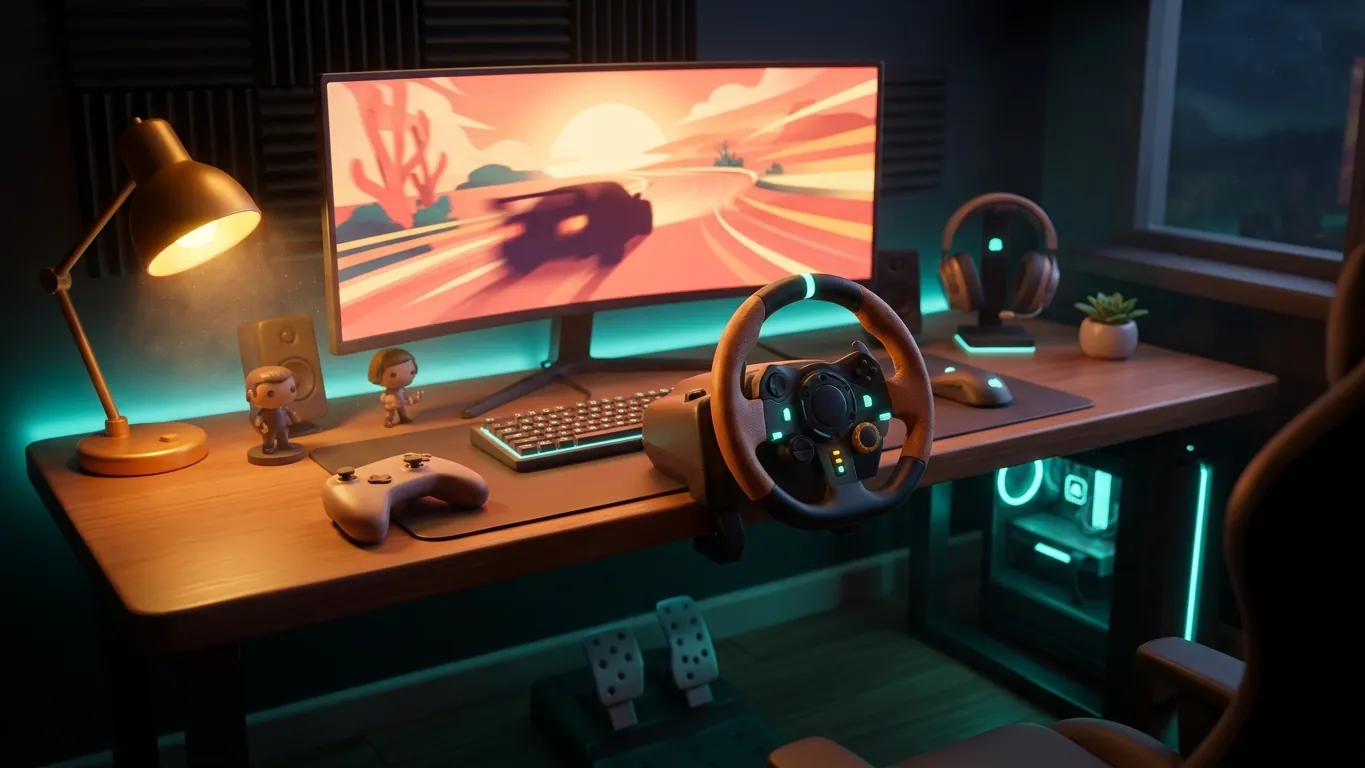
Most driving games are designed to play well on a standard gamepad. Analog sticks allow gradual steering, and analog triggers let you feather the throttle and brake. A controller takes up no extra space, works on the couch and needs no setup.
The main challenge is precision. A thumbstick has a short range of motion, so small steering corrections can be tricky at high speed. Games compensate with steering assistance and adjustable sensitivity, which we cover below. Many players drive for years on a controller and enjoy it fully.
A wheel offers a much longer range of motion, which makes fine steering easier to control. Many wheels also provide force feedback, a motor that pushes back to communicate what the tires are doing. Pedals separate throttle and brake under your feet, closer to driving a real car.
The trade-offs are space, setup time and a learning curve. A wheel needs a sturdy desk or stand, and the first sessions can feel unfamiliar. Wheels shine in simulation-focused games and are less essential in arcade-style titles. If you are curious, it can be worth trying one before committing to the space it requires.
Keyboards are digital: a key is either pressed or not. That makes steering and throttle control less gradual. Some games smooth out keyboard inputs with filtering so that tapping a key produces a gentler turn.
Keyboard driving works well in arcade games and for players who already sit at a desk. If you find it frustrating in a more realistic game, look for input smoothing options or consider a controller as a simple next step.
Whatever you use, a few settings can transform how a car feels.
The area around the center where small movements are ignored. A smaller deadzone gives quicker response; a larger one prevents unwanted drift.
Controls how strongly the car reacts to your inputs. Lower values usually make controller driving calmer.
Shapes how steering builds up across the stick or wheel range. Gentler curves help with small corrections.
For wheels, a moderate level often communicates grip without tiring your arms.
The right setup depends on how and where you play. If you play in short sessions from the couch, a controller is hard to beat for convenience. If you have a dedicated desk and enjoy realistic driving, a wheel may add a lot. If you play at a computer and mainly enjoy arcade racing, a keyboard can be enough.
There is no single correct answer. Start with what you have, adjust the settings patiently and upgrade only if a clear limitation keeps getting in the way of your enjoyment.
 Why open-world driving can be the most relaxing way to play
An opinion piece on why cruising through open-world driving games can feel calm and rewarding, and how to enjoy slower, aimless drives in your free time.
Read more
 Mechanic and garage sim games: what to expect
An explainer on mechanic and garage simulation games: the typical gameplay loop, the skills they reward and tips for getting comfortable as a beginner.
Read more
 Building a balanced weekend gaming routine
Practical ideas for fitting racing and driving games into a relaxed weekend: planning sessions, taking breaks and keeping gaming one enjoyable hobby of many.
Read more