Setting up a comfortable gaming corner at home
A dedicated spot for driving games does not need a lot of space. This guide shares practical ideas for seating, screens, cables and lighting.
Start with how you actually play
Before moving furniture, think about your habits. Do you mostly play on a controller from the couch, or at a desk with a wheel? Are sessions short and casual or longer and focused? A gaming corner should fit those habits rather than an idealized picture.
It also helps to consider who else uses the space. A corner of a shared living room needs to look tidy when not in use, while a spare room can be arranged entirely around play.
Seating and screen position
A stable, comfortable chair is one of the most useful parts of any setup. For wheel users, a chair that does not roll or swivel easily helps keep pedals in reach. For controller players, a supportive seat with good back support makes longer sessions more pleasant.
Place the screen roughly at eye level and at a distance where you can see the whole image without turning your head. In driving games, a centered screen directly in front of you tends to feel most natural. If you have specific concerns about posture or discomfort, it is wise to consult a qualified professional.
Tidying cables and equipment
Loose cables are a common annoyance and can be a tripping hazard. A little organization helps.
- 01
Plan power first
Position the setup near outlets and use a quality power strip rather than chaining extensions.
- 02
Route cables along edges
Run cables along the back of the desk or the wall instead of across walkways.
- 03
Bundle and label
Group cables with reusable ties and label them so you can tell them apart later.
- 04
Secure the wheel
Make sure any wheel clamp or stand is firmly attached before driving.
Lighting and atmosphere
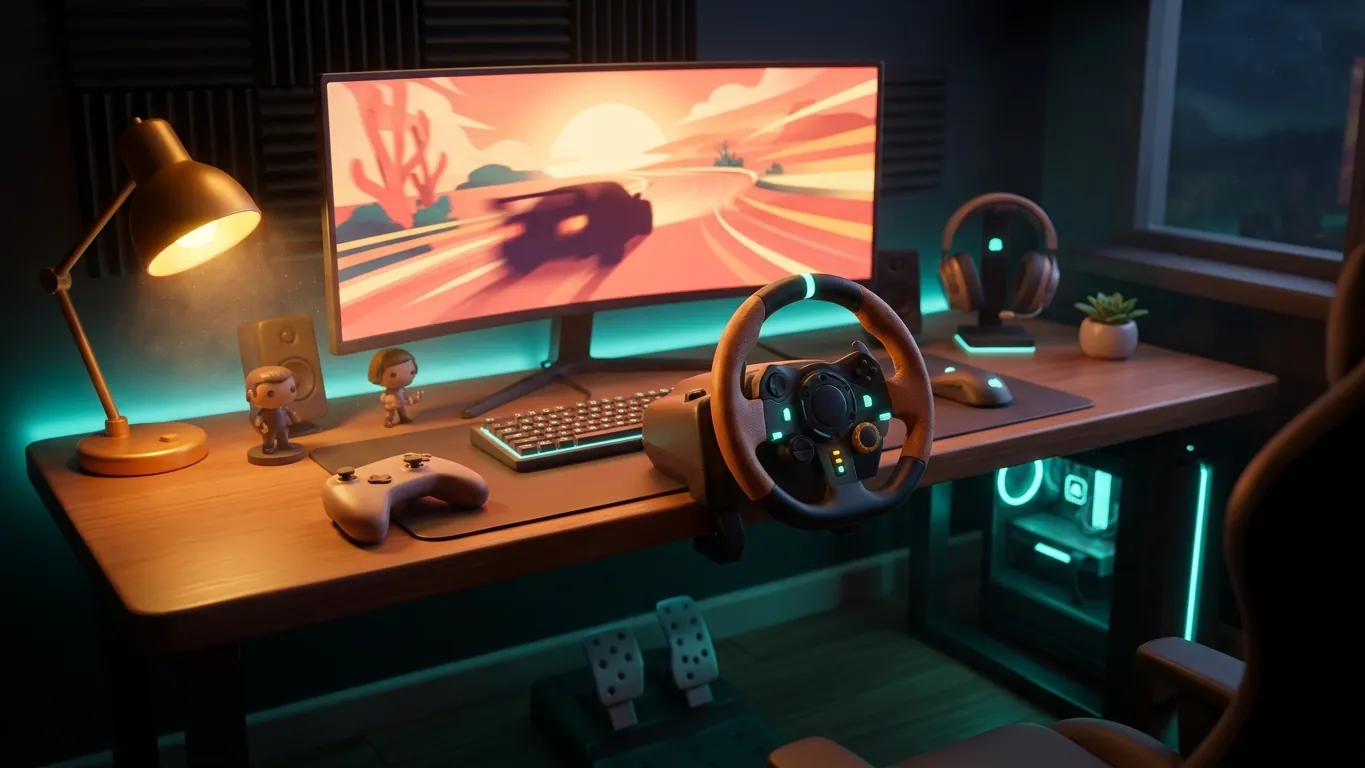
Playing in total darkness with a bright screen can feel harsh on the eyes. A soft light behind or beside the screen reduces the contrast and makes the room more comfortable. Warm lamps suit relaxed evening sessions, while neutral light works well during the day.
Avoid lights that reflect directly on the screen. Curtains or blinds can help with daytime glare, especially if the screen faces a window.
Small details that make it yours
Once the basics are sorted, personal touches turn a functional corner into a place you enjoy. Scale car models, a few prints of favorite landscapes, a shelf for game cases or a plant can all add character. A coaster for your drink and a hook for headphones keep things tidy.
The best gaming corner is one that feels inviting when you sit down and stays out of the way when you do not. Build it gradually, adjust as you go and let it reflect the way you like to play.
Related articles
 Racing lines explained for new players
Learn what a racing line is, how braking points work and how to practice one track at a time in racing games, explained in plain language.
Read more
 Car tuning in games, explained plainly
A calm guide to tuning cars in racing games: tires, suspension, gearing and differentials explained without jargon, with a simple workflow to follow.
Read more
 Controller, wheel or keyboard: choosing a driving setup
Comparing controllers, steering wheels and keyboards for driving games, with practical settings advice to help you choose a setup that suits your space.
Read more